
To download and view your CME Certificate, please follow these simple steps:
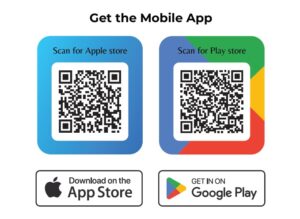
📥 Download the App: Search for and download the DubaiCME app from the App Store or Google Play Store (Dubaicmeevents).
🔑 Access Your Badge: Open the app and select the “My Badge” section.
🆔 Enter ID: Enter your unique Registration ID in the space provided.
🔍 Retrieve Badge: Click on “Find My Credentials” to view and save your digital badge.
Please Scan the QR Code for APP